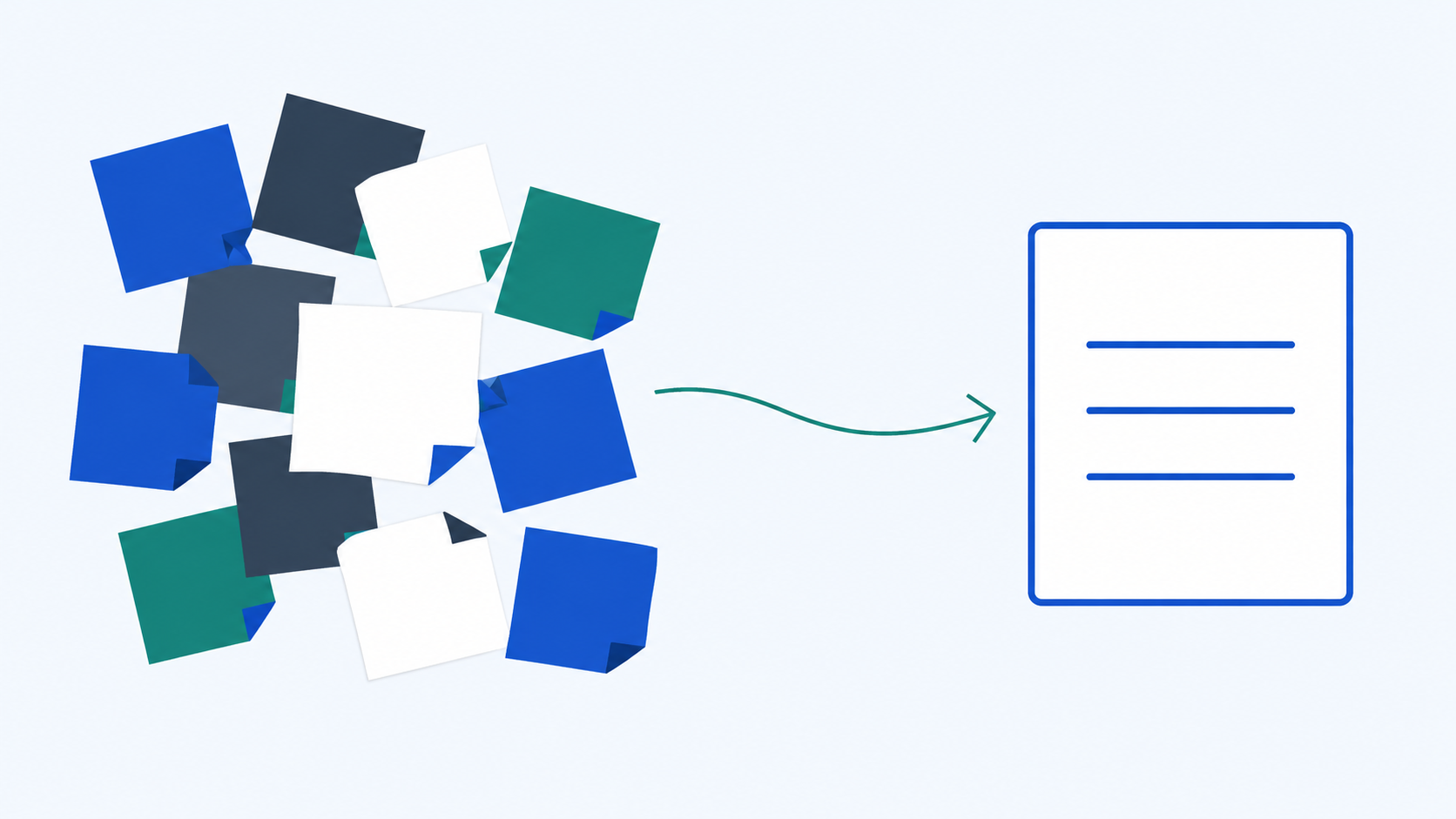
A meeting ends.
Now the real work starts.
You have scattered notes, half-finished thoughts, a few decisions you think were made, and several action items that will probably get lost unless someone closes the loop quickly.
For a lot of professionals, that cleanup takes another 30 to 45 minutes.
That is exactly the kind of work AI can help with.
A good AI meeting summary is not just a recap. It is a fast way to turn messy notes into something structured, useful, and easy to send while the meeting is still fresh.
Why Meeting Summaries Take Longer Than They Should
Most people do not waste time on meeting summaries because they are slow writers.
They waste time because the source material is messy.
You leave a meeting with incomplete notes, out-of-order thoughts, side comments mixed with actual decisions, action items that were implied but not clearly captured, and no clean structure for follow-up.
So the real task is not "write a summary." It is reconstruct what happened, identify what mattered, organize it clearly, and make the next steps obvious.
That is a transformation task — exactly where AI is often most useful.
The Prompt That Turns Messy Notes Into a Clean Summary
Here is a simple prompt that works well for most professional meeting summaries:
Here are my notes from a [type] meeting: [paste notes]
Organize this into three sections:
- Key decisions made
- Important discussion points
- Action items (include owner and deadline if mentioned)
Keep each section concise. Use bullet points. Professional tone.
Why this works: it gives AI the raw input, defines exactly what structure you want, separates decisions from discussion, and pulls action items into a format people can actually use.
That last part matters most. A summary that does not make next steps obvious is not actually doing much work.
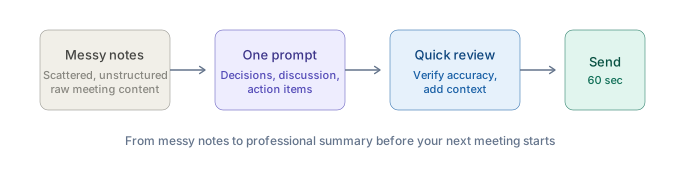
The 60-Second Meeting-to-Action Workflow
The prompt is useful on its own, but the real speed comes from using it as a repeatable workflow.
Step 1: Gather Your Notes and Define the Output
Right after the meeting, grab your raw notes. Do not worry if they are clean.
Before pasting them into AI, answer one quick question: What does this meeting now need to produce?
Usually that is one of three things: a recap, an action list, or a follow-up email.
Step 2: Paste the Notes Into the Prompt
Use the Meeting Closeout Prompt and paste your notes exactly as they are.
Messy is fine. You are not asking AI to admire your notes. You are asking it to organize them.
Step 3: Do One Quick Refinement Pass
Usually one pass is enough. A useful refinement might be:
- "Tighten the action items and make each one start with a verb."
- "Add deadlines where they were implied."
- "Make this more concise."
- "Turn this into something I can send directly to the team."
This is where the output usually gets meaningfully better.
Step 4: Send or Post It Where Work Happens
This is the step people skip.
Paste the result into the follow-up email, the project tracker, the team chat, the meeting notes doc — wherever the work is actually moving.
A summary only becomes useful when it leaves the draft stage.
Example: Before and After
Imagine you leave a 45-minute project kickoff with a page of messy notes.
You paste them into the prompt and get back:
Key Decisions
- Launch scope confirmed, with two features descoped
- Design leads creative direction
Important Discussion Points
- Timeline risk flagged around vendor dependency
- Customer success needs earlier access than planned
Action Items
- Jordan: Send vendor timeline to team by Thursday
- Priya: Confirm CS onboarding date with product by Friday
- You: Circulate this summary for sign-off today
That is not just cleaner. It is usable.
What Good AI-Assisted Meeting Follow-Up Still Requires From You
AI can structure the summary, but you still need to check it.
Make sure a key decision was not missed, an owner was not misassigned, a deadline was not guessed incorrectly, anything politically sensitive is phrased correctly, and the output reflects what actually happened.
AI is helping with the transformation, not replacing accountability. That final check is what keeps the workflow fast and trustworthy.
A meeting should not create another block of cleanup work just to become useful. If you already have the notes, AI can organize the information, separate discussion from decisions, surface action items, and make the follow-up fast enough that it actually happens.
That is why meeting summaries are such a strong early AI use case for professionals. They are high-frequency, high-friction, and easy to improve with the right workflow.
If you want more practical workflows like this, OpPro AI's AI Productivity & Workflow Certification teaches professionals how to use AI for real work — including meeting closeout, communication, prioritization, reporting, and more.